
Compatibility
Minecraft: Java Edition
Platforms
Supported environments
90% of ad revenue goes to creators
Support creators and Modrinth ad-free with Modrinth+Links
Creators

Details
Welcome to Crazy Painting! The mod allows players to create and show off art in-game through paintings!
First of all, before anything, huge shoutout to Xerca's Joy of Painting mod. That mod is what inspired me to create my own version with features I wanted to see, on a newer version of the game. Some concepts used from this project are derived from their project.
With that aside...
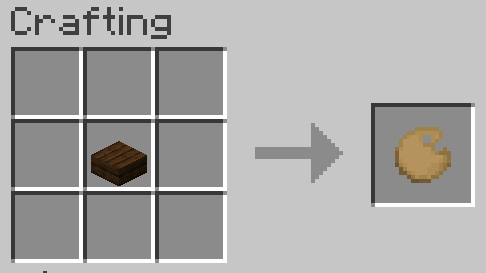
Craft a palette, using one of any wooden slab,
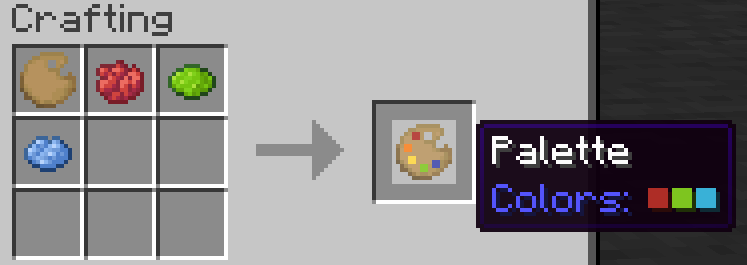
Add some colors to your palette using dyes,
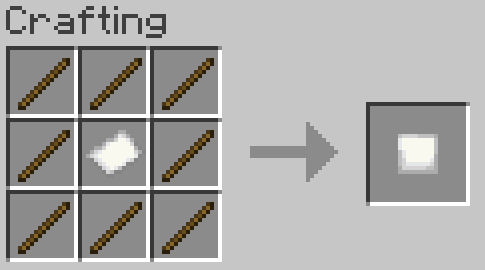
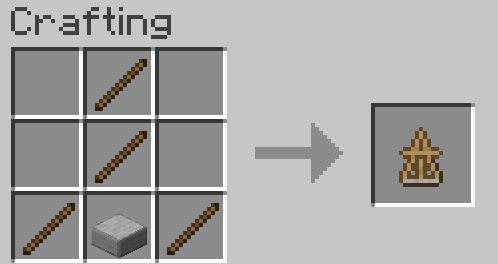
Make a canvas and easel,
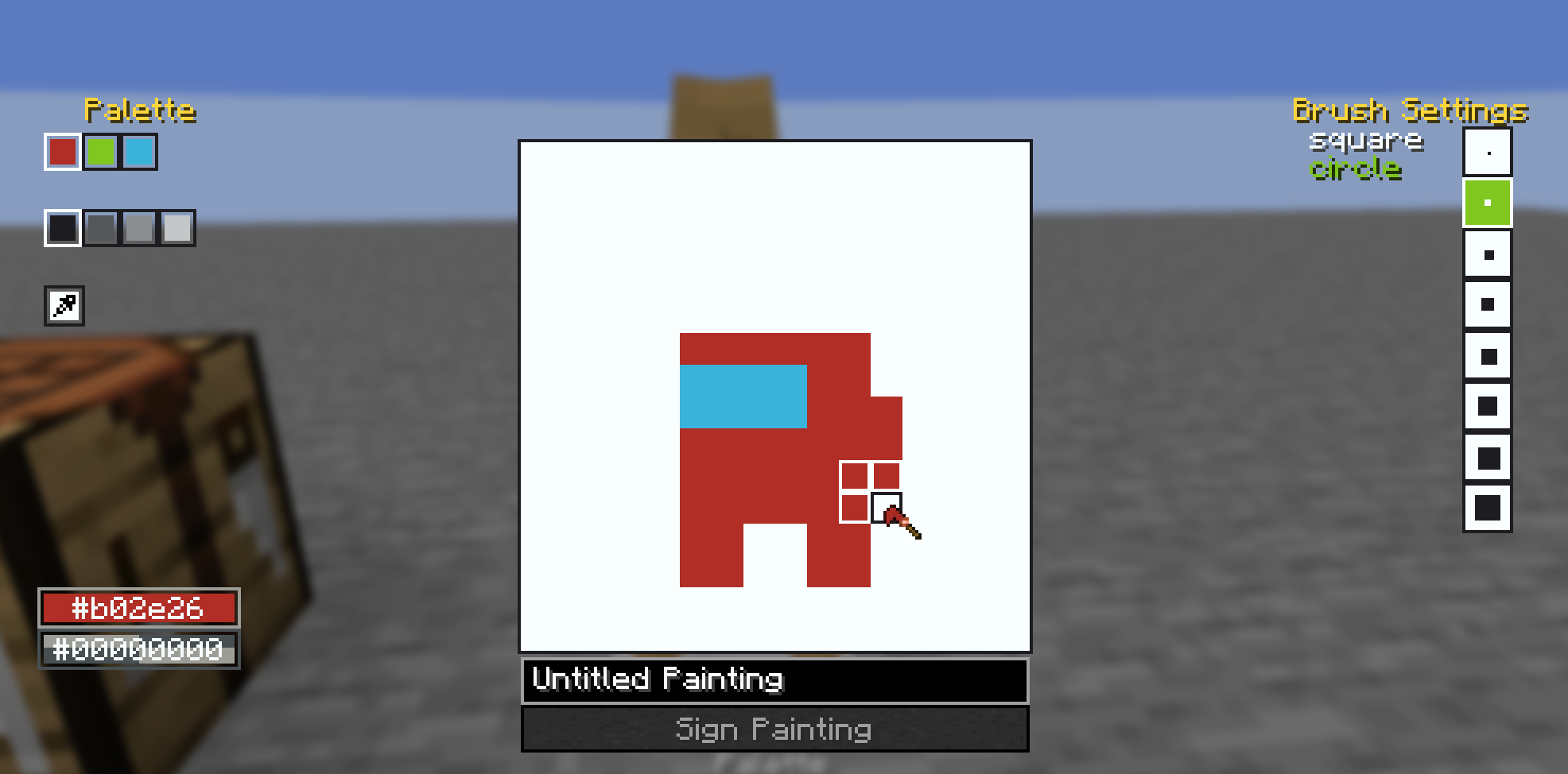
And start painting!
You can also craft larger canvases by combining multiple smaller canvas into a large one in the crafting table, the recipe book can help you with this.
Once you've finished your painting, you can display them on an easel, as well as walls, floors, ceilings, and even shields! See the gallery for examples. You may also combine your finished painting with an empty canvas of the same size to create a copy. Copies are treated the same way as written books are in vanilla, where each subsequent copy of a copy gets older until you cannot create copies anymore.
Also, the editor comes with a built-in help button in the top left of the screen, which goes over the controls and features of the editor in more detail.
Also also, this mod's brushes are data driven! They are stored as .qoi files under assets/crazypainting/brushes/(category_name)/(brush_name).qoi
To actually load these brushes into the game, you need to define them in a json file at the location assets/crazypainting/brushes/brushes.json. For specifics on the formatting, see here. After that, you can load up your resource pack and enjoy your custom brushes!